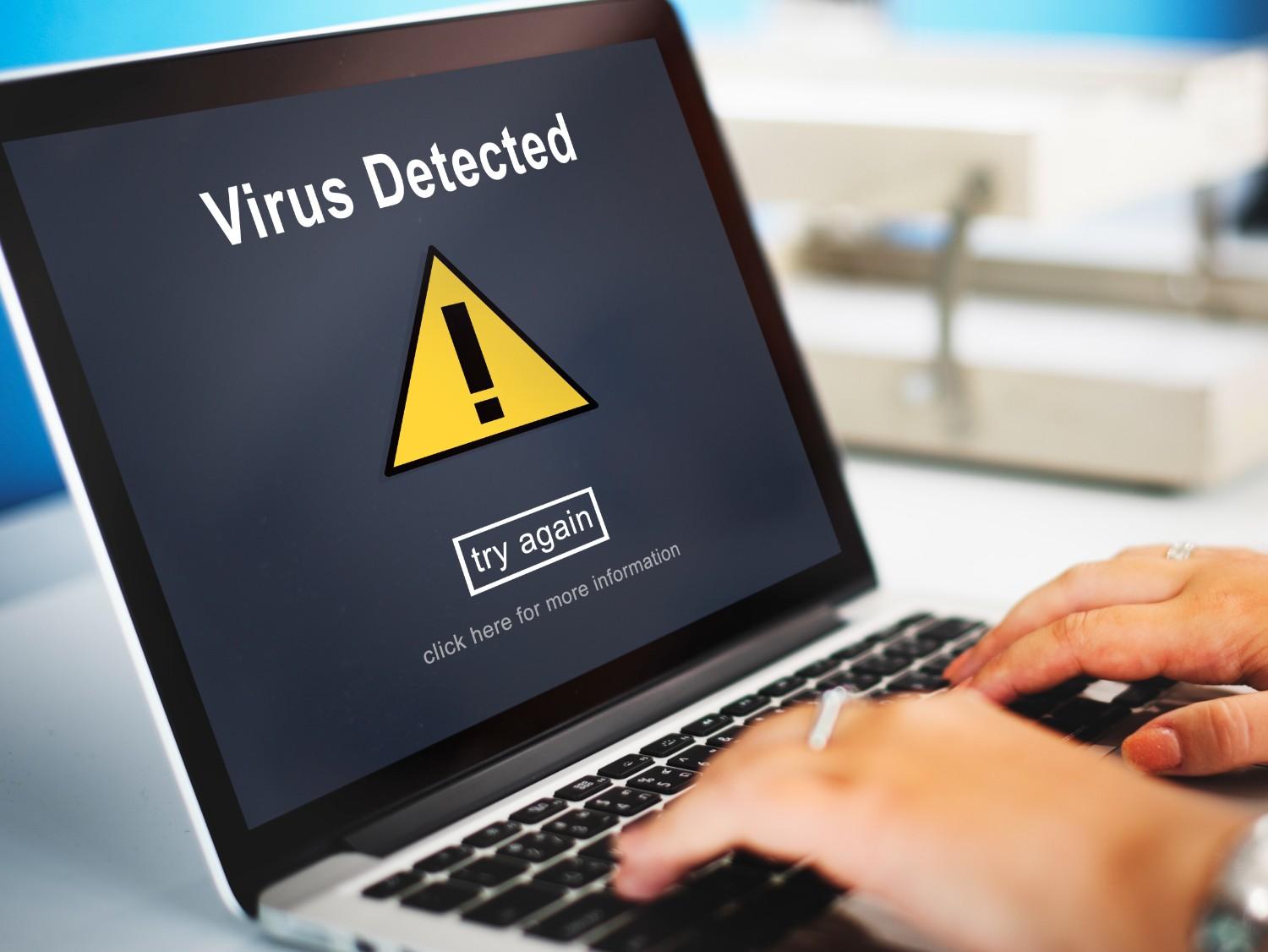

Quick answer: Malware is malicious software designed to damage, disrupt, or gain unauthorized access to your device or network. It includes viruses, ransomware, spyware, and trojans, and it usually spreads through risky downloads, email attachments, or infected websites.
Malware is malicious software designed to damage, disrupt, or gain unauthorized access to your computer, phone, or network. In plain terms, malware is any program that acts against your interests. It steals data, locks your files, or slows your device down. I first dealt with it years ago when a client’s laptop started opening random ads and running extremely hot. A quick scan showed a trojan hiding in a free software download.
Types of Malware
There are several types of malware, including viruses, ransomware, spyware, and trojans. Each behaves differently, but they all need to be stopped. Wikipedia’s malware overview lists the main families and how they spread.
How to Check for Malware
If you suspect something is wrong, checking for malware on a Mac is straightforward. Open Activity Monitor to look for unknown processes, then run a trusted scanner. On Windows the process is similar with Task Manager and Windows Security.
How to Remove Malware
Once you confirm an infection, removing malware usually means isolating the device from the internet, running a full scan with updated antivirus software, and deleting the flagged files. Google also publishes official steps for removing unwanted software and malware.
How to Prevent Malware
For stronger prevention of malware, avoid unknown downloads, keep your system updated, and use reputable security tools. A little caution goes a long way. Most infections I see start from a single careless click.
Frequently Asked Questions
What is malware in simple terms?
Malware is malicious software that works against you. It can steal data, lock your files, show unwanted ads, or slow your device down.
What are the main types of malware?
The main types are viruses, trojans, ransomware, and spyware. Each spreads and behaves differently, but all are designed to harm or exploit you.
How do I check for malware on my computer?
On a Mac, open Activity Monitor and look for unknown processes, then run a trusted scanner. On Windows, use Task Manager and Windows Security the same way.
How do I remove malware?
Disconnect from the internet, run a full scan with updated antivirus software, and delete or quarantine the flagged files.
How can I prevent malware infections?
Avoid unknown downloads, keep your operating system and apps updated, and use reputable security software. Most infections start from one careless click.






Leave a Reply