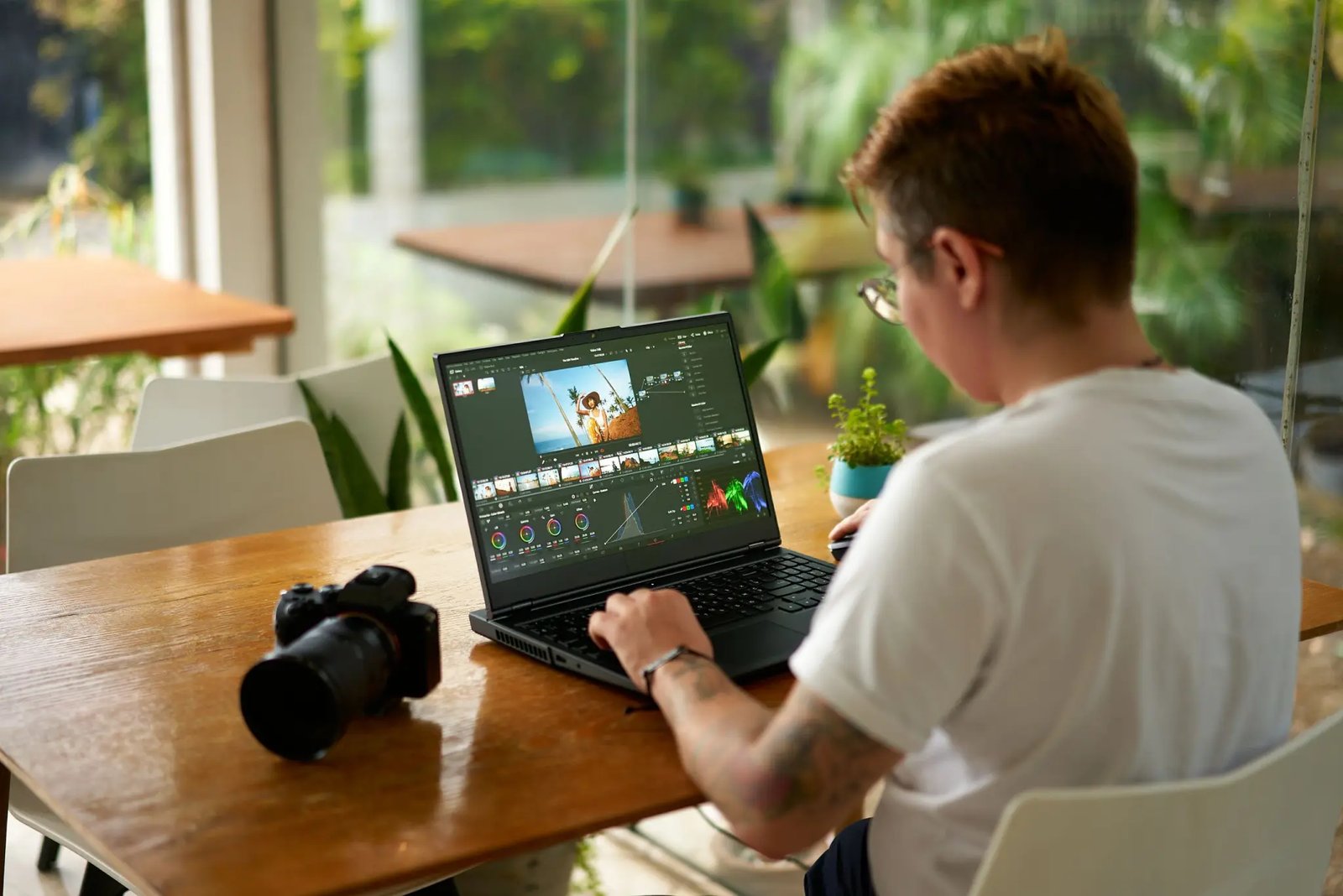

Video to prompt is the process of converting video content into text prompts that can be used with AI generators. It involves analyzing the visual and audio elements of a video and describing them in words that AI image, video, or text tools understand.
This guide explains how to turn videos into effective AI prompts using available tools and techniques.
What Is Video to Prompt?
Video to prompt means extracting a textual description from video footage. The resulting prompt captures subjects, actions, styles, lighting, and mood so that AI tools can recreate or build on the content.
Common uses include:
- Recreating scenes with AI image generators
- Generating similar videos with AI video tools
- Creating storyboards from footage
- Describing content for accessibility
Tools for Converting Video to Prompt
- AI video analyzers that describe scenes automatically
- Frame extraction + image-to-text models
- Manual description using prompt frameworks
- Transcription of dialogue and narration
How to Write Good Prompts from Video
- Watch the video and note key subjects
- Describe actions and movement
- Note lighting, colors, and style
- Capture the mood and atmosphere
- Include technical details (camera angle, shot type)
- Keep the prompt focused and specific
Key Takeaways
- Video to prompt turns footage into AI-ready text descriptions
- Both automated tools and manual methods work
- Specific visual details produce better AI outputs
- Useful for recreation, storyboarding, and accessibility
Frequently Asked Questions
Can AI automatically convert video to prompts?
Yes, several tools analyze video frames and generate descriptions automatically.
What makes a good video-derived prompt?
Specific details about subjects, actions, style, lighting, and mood.
Which AI tools accept video-derived prompts?
Most text-to-image and text-to-video platforms accept detailed descriptive prompts.




Leave a Reply