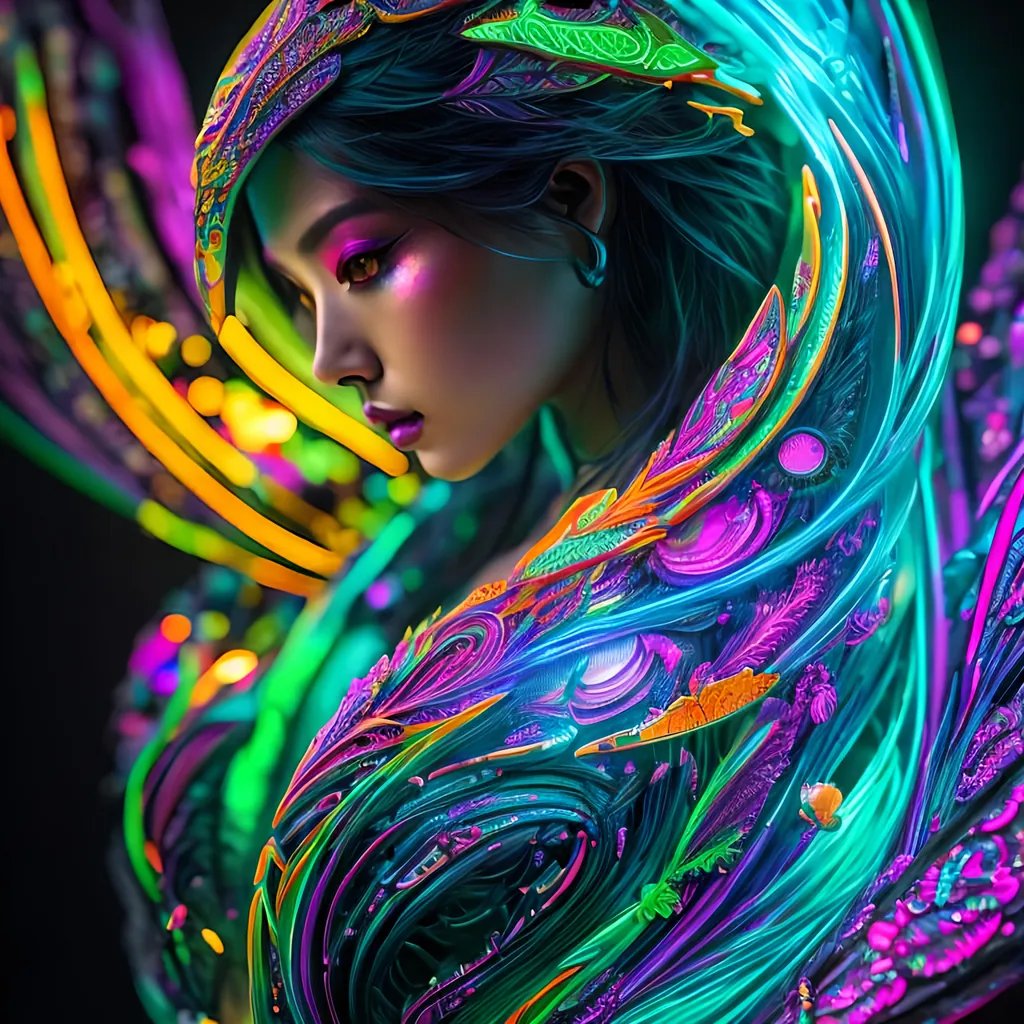

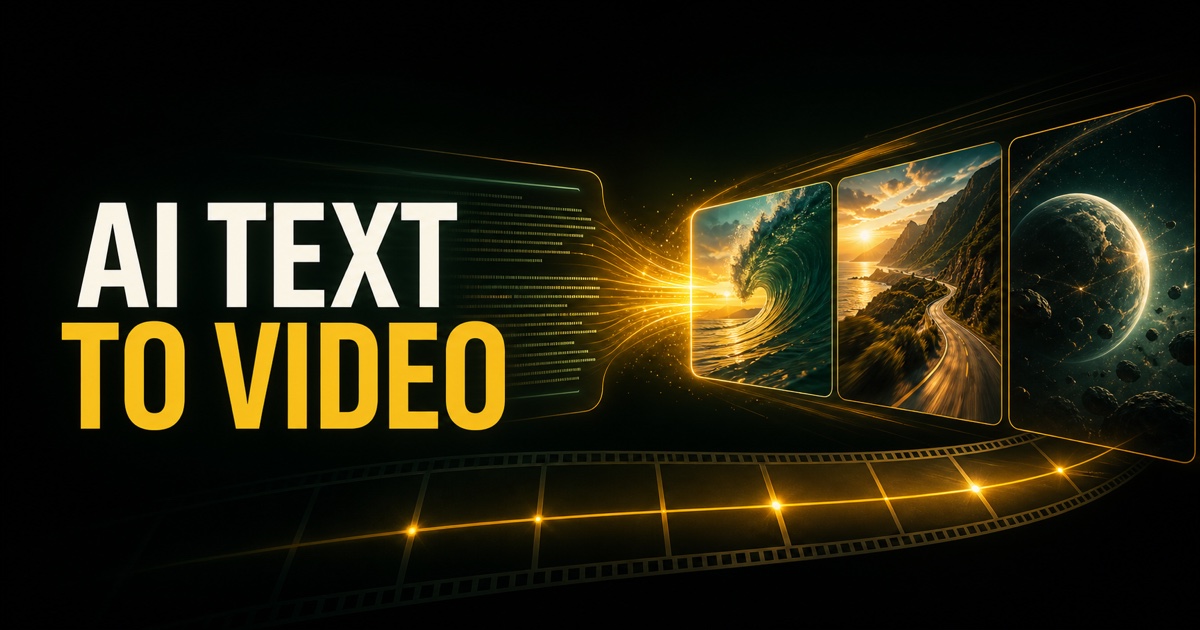
Dreamina is an AI-powered image generation tool that allows users to create pictures from text descriptions. It is designed for people who want to generate visual content quickly without traditional design skills. Users enter prompts and the tool produces images based on those instructions.
This guide explains what Dreamina is, its main features, how it works, common use cases, and practical tips for getting better results.
What Is Dreamina?
Dreamina is an artificial intelligence image generator. It uses machine learning models to turn written prompts into visual images. The tool is aimed at creators, marketers, students, and anyone who needs custom images for personal or professional projects.
Typical capabilities include:
- Text-to-image generation
- Different artistic styles
- Variations of the same prompt
- Basic editing or refinement options
- Download of generated images
Like other AI image tools, the quality of results depends heavily on how clearly the user describes what they want.
How Dreamina Works
The basic process is straightforward:
- The user writes a text prompt describing the desired image
- The AI model interprets the prompt
- The tool generates one or more images
- The user reviews the results and can refine the prompt or generate new variations
- Selected images can be downloaded for use
More detailed prompts that include subject, style, lighting, colors, and composition usually produce more accurate results.
Common Use Cases
People use Dreamina for a variety of purposes:
- Creating social media graphics and posts
- Generating concept art or visual ideas
- Designing simple marketing visuals
- Making images for presentations or blogs
- Exploring creative ideas quickly
- Producing illustrations when custom photography is not available
It is often used for early-stage visual exploration rather than final high-end commercial design.
Tips for Better Results with Dreamina
- Write clear and specific prompts
- Include details about style (realistic, illustration, cinematic, etc.)
- Mention lighting, colors, and mood when relevant
- Specify the main subject and background
- Generate multiple variations and compare them
- Refine the prompt based on previous results
- Avoid overly long or conflicting descriptions
Example of a basic prompt:
A modern office workspace with a laptop on the desk
Improved prompt:
A bright modern home office with a wooden desk, open laptop, soft natural light from a window, minimal decor, realistic style
Strengths and Limitations
Strengths
- Fast image generation
- No design skills required
- Useful for brainstorming and drafts
- Multiple style options
- Accessible for beginners
Limitations
- Results can be inconsistent
- Fine details (text, hands, complex scenes) may not be accurate
- Generated images may need further editing
- Output quality depends on prompt clarity
- Commercial use rights should be checked
These limitations are common across most current AI image generators.
Dreamina Compared to Other AI Image Tools
Dreamina functions similarly to other text-to-image platforms. Differences usually appear in:
- Image quality and style range
- Speed of generation
- Ease of use
- Available editing features
- Pricing and usage limits
- Commercial licensing terms
Users often test multiple tools because results can vary significantly depending on the subject and style requested.
Key Takeaways
- Dreamina is an AI tool that generates images from text prompts
- Clear and detailed prompts produce better results
- It is useful for social media, concept art, and quick visual ideas
- Results can be inconsistent and may require refinement
- Users should review licensing terms before commercial use
Frequently Asked Questions
Is Dreamina free to use?
Many AI image tools offer free tiers with limits. Availability and pricing for Dreamina can change, so users should check the current terms on the platform.
Can I use Dreamina images commercially?
Commercial use depends on the tool’s licensing policy. Always review the terms of service before using generated images for business purposes.
How do I get more accurate images?
Use specific prompts that describe the subject, style, lighting, colors, and composition. Generating multiple versions also helps.
Does Dreamina require design experience?
No. It is designed so that people without traditional design skills can create images using text descriptions.

Leave a Reply