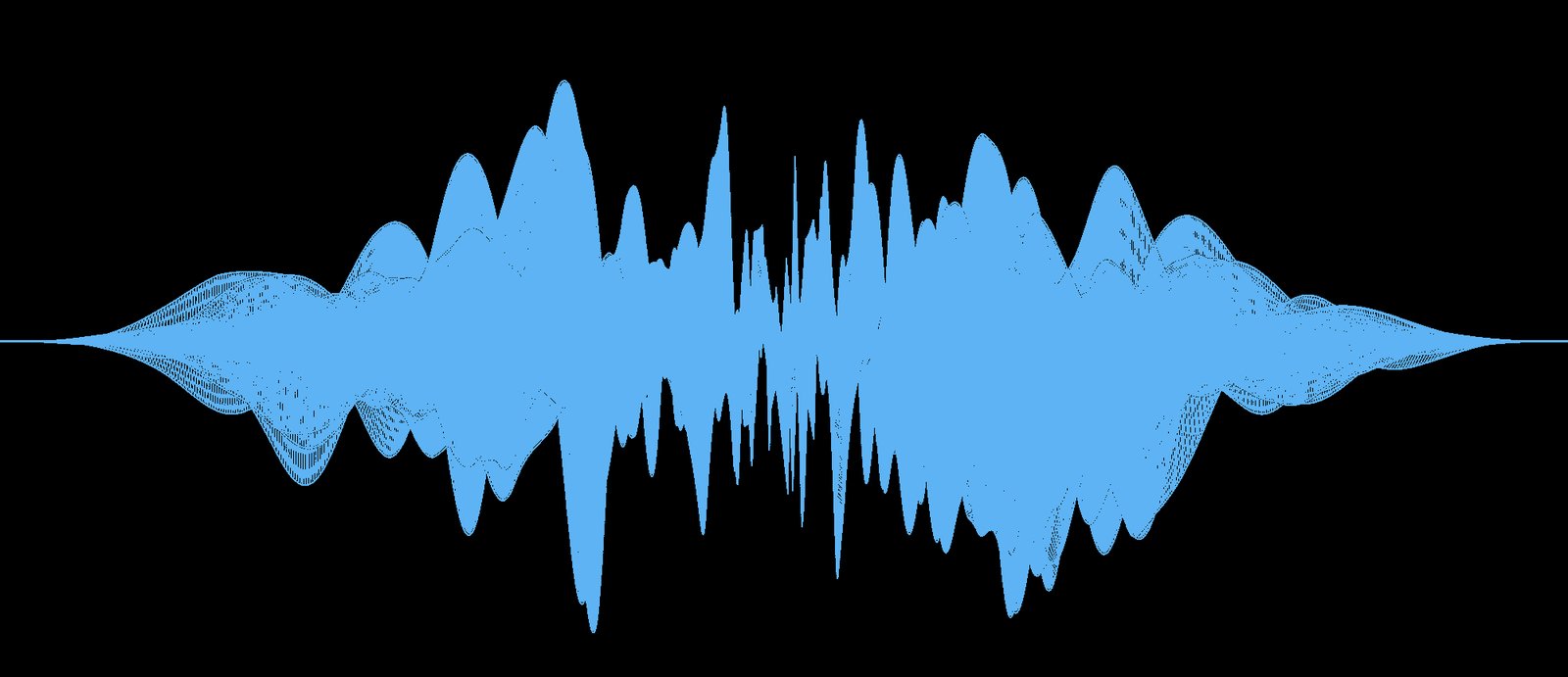

A sound generator is a tool or device that creates audio signals, tones, noises, or sound effects. It can be a physical hardware unit, a software plugin, or an online tool. Musicians, sound designers, content creators, and developers use sound generators to produce everything from simple test tones to complex musical sounds and ambient effects.
This guide explains what a sound generator is, the main types available, common uses, how to choose one, and practical tips for getting better results.
What Is a Sound Generator?
A sound generator produces sound electronically or digitally. Instead of recording real-world audio, it creates sound from scratch using oscillators, noise sources, samples, or synthesis methods.
Common outputs include:
- Pure tones (sine, square, sawtooth waves)
- White, pink, or brown noise
- Musical notes and chords
- Ambient textures
- Sound effects
- Test signals for audio equipment
Sound generators appear in music production, film and game audio, scientific testing, and accessibility tools.
Main Types of Sound Generators
1. Hardware Synthesizers
Physical instruments that generate sound using analog or digital circuits. They offer hands-on control and are popular with musicians.
2. Software Synthesizers (Plugins)
Programs that run inside digital audio workstations. They provide a wide range of sounds and are more affordable than most hardware.
3. Online Sound Generators
Web-based tools that create tones, noise, or simple melodies directly in a browser. Useful for quick tests or casual use.
4. Noise Generators
Specialized tools that produce different types of noise. Often used for sleep, focus, audio testing, or sound masking.
5. Test Tone Generators
Simple tools that produce specific frequencies. Commonly used by audio engineers to calibrate speakers and check equipment.
Common Uses of Sound Generators
- Creating original music and sound effects
- Testing speakers, headphones, and audio systems
- Generating background noise for focus or sleep
- Building ambient soundscapes
- Educational demonstrations of sound waves
- Accessibility tools for people with hearing differences
- Prototyping audio ideas before full production
How to Choose a Sound Generator
Consider these factors when selecting a tool:
- Purpose: Music production, testing, or simple noise generation
- Control level: Basic presets versus deep sound design options
- Platform: Hardware, desktop software, or browser-based
- Budget: Free tools exist, while professional options cost more
- Ease of use: Beginners may prefer simpler interfaces
- Output quality: Important for professional or published work
Free online generators work well for basic needs. Dedicated software or hardware is better for serious music and sound design.
Tips for Better Results
- Start with simple waveforms before moving to complex sounds
- Use filters and effects to shape the raw tone
- Layer multiple generators for richer textures
- Match the sound to the context (music, video, or testing)
- Save presets of sounds you like for reuse
- Monitor volume levels to avoid distortion
- Experiment with different noise colors for relaxation or focus
Limitations of Sound Generators
- Basic generators produce limited tonal variety
- High-quality results often require additional effects or processing
- Some free tools have restricted features or audio quality
- Hardware units can be expensive
- Learning synthesis takes time
Understanding these limits helps set realistic expectations.
Key Takeaways
- A sound generator creates audio electronically or digitally
- Types include hardware synths, software plugins, online tools, and noise generators
- Uses range from music production to equipment testing and focus sounds
- Choice depends on purpose, budget, and desired control
- Simple tools work for basic needs while advanced tools support professional work
Frequently Asked Questions
What is the difference between a sound generator and a synthesizer?
A synthesizer is a type of sound generator designed mainly for musical use. The term sound generator is broader and includes simple tone and noise tools.
Can I use a free sound generator for professional work?
Free tools can be useful for testing and simple tasks. For released music or commercial projects, higher-quality software or hardware usually produces better results.
What is white noise used for?
White noise is often used for sound masking, sleep, focus, and audio equipment testing. Other noise colors (pink, brown) are also popular for relaxation.
Do I need special equipment to use a sound generator?
Browser-based and software generators only require a computer or phone. Hardware generators need an audio interface or amplifier to hear the sound.






Leave a Reply