

Removing a watermark from photos or videos is a common need when you want a clean image for personal use, presentations, or further editing. Several methods exist, ranging from simple online tools to more advanced software techniques. This guide explains the main ways to remove watermarks, compares free and paid options, discusses limitations, and covers important legal and quality considerations. Quick answer: To remove a watermark from a photo, use a healing, clone or AI object removal tool to paint over the mark and let the software rebuild the background. For video, crop the watermark out, blur or cover it, or use an AI tool that tracks the mark across frames. Only do this on images and videos you own or have permission to edit.
What Is a Watermark?
A watermark is a visible logo, text, or pattern placed on an image or video to indicate ownership or prevent unauthorized use. Common types include semi-transparent logos, text overlays, and repeating patterns. People often want to remove watermarks from stock photos, screenshots, or personal images that were exported with a watermark.
Methods to Remove Watermarks
Online Watermark Remover Tools
Web-based tools allow you to upload an image and automatically or manually remove the watermark. These are fast and require no software installation.
Photo Editing Software
Programs such as Adobe Photoshop, GIMP, or similar tools offer clone stamp, healing brush, or content-aware fill features that can remove watermarks with more control.
AI-Powered Removers
Modern AI tools can detect and remove watermarks automatically while attempting to reconstruct the background. Results vary depending on the watermark style and image complexity.
Video Watermark Removal
Video watermark removal is more difficult. Some tools can process short clips, but quality often decreases, especially with moving watermarks.
Step-by-Step: Removing a Watermark with Editing Software
- Open the image in your editing program.
- Zoom in on the watermark area.
- Use the healing brush or clone stamp tool.
- Sample nearby clean areas and carefully paint over the watermark.
- Blend the edges to avoid visible patches.
- Review the result at different zoom levels.
- Save a new copy of the image.
Free vs Paid Watermark Removal Options
| Method | Cost | Quality Control | Best For |
|---|---|---|---|
| Online AI tools | Free, Paid | Low to Medium | Quick simple removals |
| Desktop software | Free, Paid | High | Detailed editing |
| Professional service | Paid | Very High | Important images |
| Limitations of Watermark Removal |
- Complex or large watermarks are harder to remove cleanly
- AI tools may leave artifacts or blur details
- Video watermark removal often reduces quality
- Heavily compressed images produce poorer results
- Some watermarks are designed to be difficult to remove
Legal and Ethical Considerations
Removing a watermark from copyrighted material without permission may violate copyright law. Watermarks are often used to protect intellectual property. Always ensure you have the right to edit and use the image or video before removing a watermark.
Tips for Better Results
- Start with the highest quality version of the file available
- Work on a duplicate so you can compare results
- Use manual tools for important or detailed areas
- Avoid over-smoothing the repaired section
- Test multiple tools if the first result is poor
When Is It Acceptable to Remove a Watermark?
Removing a watermark is generally reasonable in situations such as:
- Your own content: You added a watermark to your photos or videos years ago and now need clean versions.
- Purchased or licensed files: You bought a stock image licence but downloaded the preview copy by mistake. The better fix is to download the licensed file from the stock site, which comes without the mark.
- Client work: A photographer has given you written permission to use an image without their watermark.
- App watermarks on your own recordings: A free editing app stamped its logo on a video you created, and you want a clean export.
It is not acceptable to remove a watermark from someone else’s work to avoid paying for it or to hide who created it. In the United States, section 1202 of the Digital Millennium Copyright Act covers the removal of copyright management information, and in the UK the Copyright, Designs and Patents Act 1988 contains similar protection for rights management information. If in doubt, ask the owner or buy a licence.
Photo Watermark Removal Tools Compared
| Tool type | Examples | Best for | Skill level |
|---|---|---|---|
| Desktop editors | Adobe Photoshop (Content-Aware Fill, Remove Tool), GIMP (Heal and Clone tools) | Precise, high-quality results on complex backgrounds | Intermediate |
| Phone apps | TouchRetouch, Snapseed Healing, built-in object erasers on many Android and iOS devices | Quick fixes on the go | Beginner |
| Online AI removers | Browser-based inpainting tools | Fast results without installing software | Beginner |
| Re-download clean copy | Stock site account, original camera files | Licensed or personal images | None |
| Built-in phone tools are worth checking first. Google Photos offers Magic Eraser on supported devices, Samsung Galaxy phones include an Object Eraser in the Gallery editor, and recent iPhones with Apple Intelligence include a Clean Up tool in Photos. These features were designed for removing distractions but often work well on small, simple watermarks. |
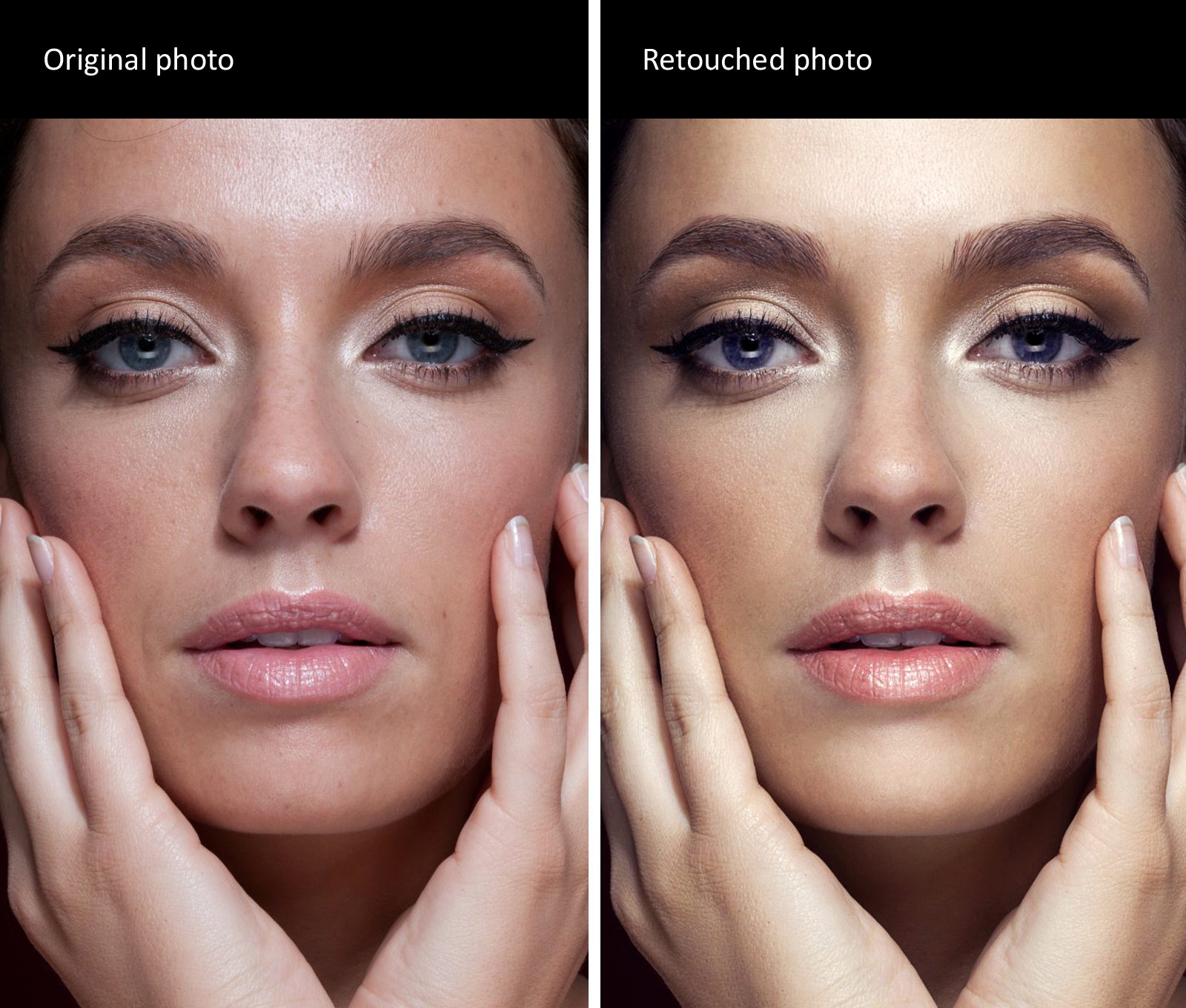
How to Remove a Watermark in Photoshop
- Open the image and duplicate the background layer so you can compare and undo changes easily.
- Select the Lasso Tool and draw a loose selection around the watermark, leaving a small margin.
- Go to Edit > Content-Aware Fill. Photoshop shows a preview of the area it will use as a source.
- Adjust the sampling area so it excludes faces, text or objects you do not want copied into the gap.
- Click OK to apply, then zoom in to check for repeated patterns or blurred edges.
- Use the Spot Healing Brush or Clone Stamp to fix any small artefacts.
- Compare the edited layer with the original at 100% zoom before exporting.

How to Remove a Watermark in GIMP (Free)
- Open the image and add a new transparent layer if you want to keep edits separate.
- Choose the Heal Tool for textured areas or the Clone Tool for flat areas.
- Hold Ctrl (Windows and Linux) or Cmd (Mac) and click a clean area to set the source.
- Paint over the watermark in short strokes, resetting the source point often to avoid visible repetition.
- Zoom in and refine edges, then export using File > Export As.
How to Remove a Watermark from a Video
Crop the frame If the watermark sits near an edge, cropping is the cleanest option. The downside is that you lose part of the picture and may need to rescale the video, which can soften fine detail. Blur or pixelate the area Most editors, including free ones such as DaVinci Resolve and CapCut, let you apply a blur mask to a fixed region. This hides the mark but leaves a visible soft patch. Cover it with an overlay Place your own logo, a caption bar or a graphic over the watermark. This works well for social media videos where a branded overlay looks intentional.
Use AI object removal
Some editors and online tools can track an object across frames and fill the area using nearby pixels from other frames. Results are best when the watermark is small, static and placed over a simple or slow-moving background. Export a clean original If the watermark came from a free app plan, the simplest fix is often to re-export the project from the original source files, or upgrade the plan if the app only removes branding for paid users.
Common Mistakes to Avoid
- Selecting too tightly. A tight selection leaves a faint outline of the watermark. Leave a small margin around it.
- Using one clone source. Repeating the same patch of texture creates obvious patterns. Change the source point regularly.
- Ignoring semi-transparent marks. Faint watermarks often cover a large area. Check the whole image at full zoom, not just the obvious logo.
- Over-compressing the export. Saving at low quality adds blocky artefacts that draw attention to the edited area.
- Skipping permission checks. Technical success does not make the edit lawful. Confirm you have the right to use the file without its watermark.
Tips from Professional Retouchers
- Work on a duplicate layer so the original is always available.
- Fix large areas with automated fill first, then refine details manually.
- Match grain and noise. If the image has film grain, add a small amount of noise to the repaired area so it blends in.
- For text watermarks over faces or detailed patterns, expect to spend more time on manual cloning, because automated tools struggle with structured detail.
- Check the result on a different screen, such as a phone, where flaws can be easier to spot.
Alternatives to Removing a Watermark
- Buy a licence for the image from the stock library or photographer.
- Contact the creator and ask for an unwatermarked copy for your specific use.
- Use free stock libraries that offer images under permissive licences without watermarks.
- Create your own visuals with a camera, design software or an AI image generator, so you own the result from the start.
Key Takeaways
- Watermarks can be removed using online tools, AI removers, or photo editing software.
- Manual editing usually produces cleaner results than fully automatic tools.
- Video watermark removal is more challenging than image removal.
- Always consider copyright and usage rights before removing a watermark.
- High-quality source files lead to better final results.
- Built-in phone tools such as Magic Eraser, Object Eraser and Clean Up can handle simple watermarks quickly.
- Buying a licence or asking the creator is often faster and safer than editing someone else’s image.
Frequently Asked Questions
Can I remove a watermark for free?
Yes. Several online tools and free software options can remove simple watermarks, though results vary.
Is it legal to remove a watermark?
It depends on the image and your rights to use it. Removing a watermark from copyrighted content without permission is often not allowed.
Which method gives the best quality?
Manual editing in software such as Photoshop generally provides the highest quality for important images.
Can watermarks be removed from videos?
Some tools can remove watermarks from video, but the process is more difficult and often reduces visual quality.
How do I remove a watermark from a photo on my phone?
Open the photo in an app with an object removal or healing tool, such as Snapseed, TouchRetouch or your phone’s built-in editor. Brush over the watermark and let the app fill the area. Small marks on plain backgrounds give the best results, while large logos over detailed areas may need a desktop editor.
Can AI remove watermarks perfectly?
AI inpainting can produce very clean results on simple backgrounds, but it is not always perfect. On faces, text, detailed patterns or moving video, it may leave smudges, distorted shapes or flicker. Always check the result at full zoom and fix any remaining artefacts manually.
Does cropping remove a watermark legally?
Cropping removes the mark visually, but it does not change who owns the image. If the work belongs to someone else, cropping out their watermark without permission can still breach copyright and may count as removing rights management information. Cropping is only safe on content you own or have permission to edit.
What is the easiest way to remove a watermark from a video?
If the watermark is in a corner, cropping or placing your own overlay over it is the quickest method. For marks in the middle of the frame, an AI video object remover gives cleaner results, although it takes longer and works best with static watermarks and simple backgrounds.








Leave a Reply