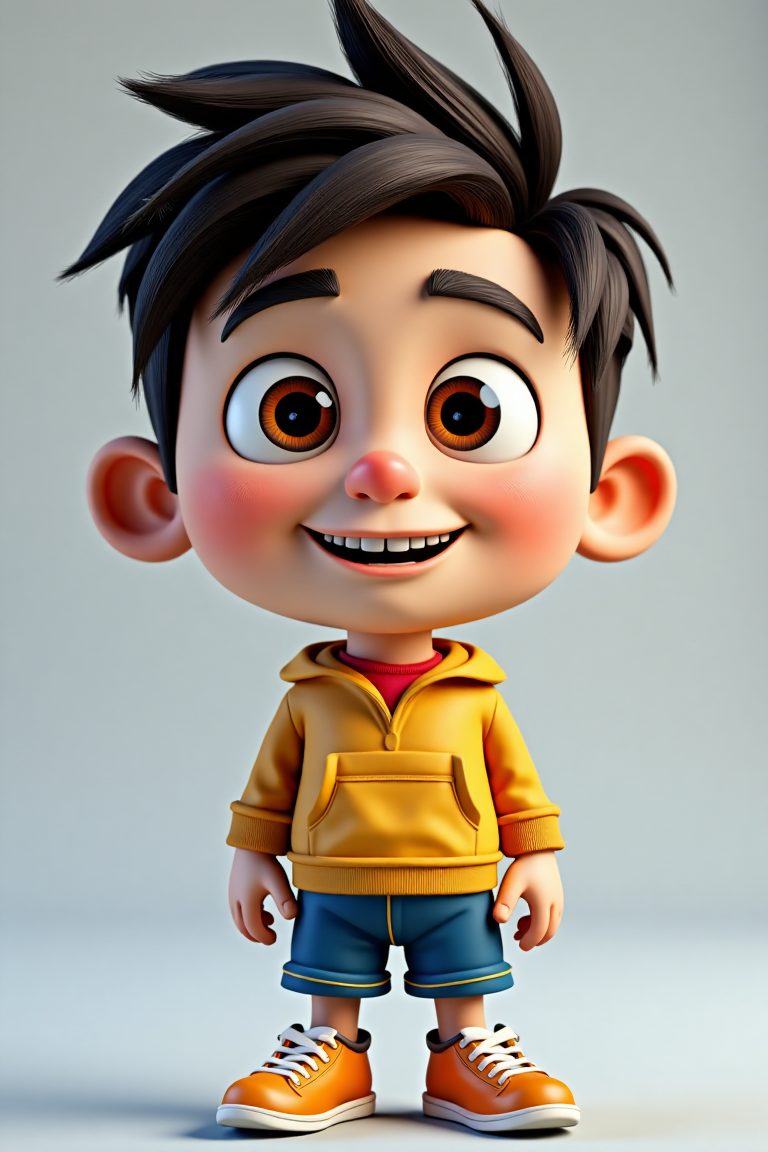

3D cartoon creation has become much more accessible with AI tools. You can now generate stylized 3D cartoon characters, scenes, and illustrations from text prompts without traditional 3D modeling skills.
This guide explains what 3D cartoon AI tools can do, the best ways to create them, prompt tips, and practical uses in 2026.
Quick answer: To create 3D cartoon images with AI, open an image generator such as ChatGPT, Gemini, Midjourney, Adobe Firefly or Canva, and write a prompt that names the subject, describes it as a “3D cartoon” or “3D animated” character, and adds details about colours, lighting, expression and background. To turn your own photo into a 3D cartoon, upload it and ask for a stylised 3D version.
What Is 3D Cartoon Style?
3D cartoon style refers to characters and scenes that look three-dimensional but use simplified, colorful, and exaggerated features typical of animated films and games. AI image generators can produce this style by interpreting descriptive prompts.
Common characteristics include:
- Smooth surfaces
- Bold colors
- Exaggerated proportions
- Clean lighting
- Playful or cinematic look
How to Create 3D Cartoon Images with AI
- Choose an AI image generator that supports stylized outputs.
- Write a clear prompt describing the character or scene.
- Include style keywords such as “3D cartoon,” “Pixar style,” or “animated character.”
- Specify colors, lighting, and background.
- Generate multiple versions.
- Refine the prompt based on results.
- Download the best image.
Effective Prompt Tips for 3D Cartoon Style
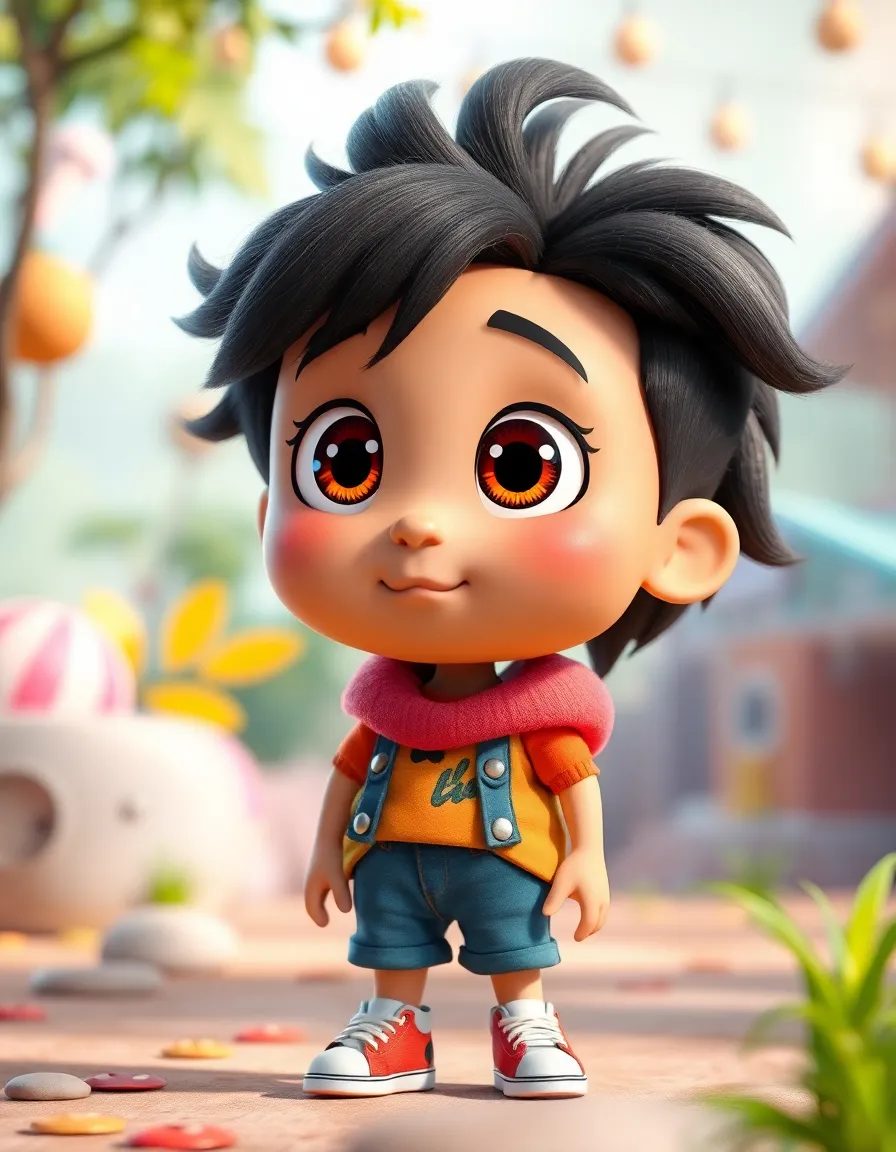
- Mention “3D cartoon” or “3D animated style” clearly
- Describe the character’s appearance, clothing, and expression
- Add lighting details (soft lighting, studio lighting, etc.)
- Specify the background or setting
- Include quality terms such as “high detail” or “clean render”
- Avoid conflicting style descriptions
Example prompt:
A friendly 3D cartoon fox character wearing a blue jacket, standing in a sunny forest, soft lighting, vibrant colors, high detail animated style
Best Uses for 3D Cartoon AI Images
- Social media content and thumbnails
- Children’s educational materials
- Game concept art
- Marketing illustrations
- Personal projects and avatars
- Storyboarding and visual ideas
Limitations of AI 3D Cartoon Generation
- Consistency across multiple images can be difficult
- Fine details such as hands or text may be imperfect
- Exact character recreation across prompts is challenging
- Some tools produce more realistic than cartoon results
- Commercial rights depend on the platform’s terms
Tips for Better 3D Cartoon Results
- Generate several variations and select the best
- Use reference images if the tool supports them
- Keep prompts focused and specific
- Experiment with different style keywords
- Edit the final image in a design tool if needed
- Test prompts on more than one AI platform
Ways to Make 3D Cartoon Images
| Method | How it works | Best for |
|---|---|---|
| Text-to-image | Describe a character or scene in words | Original characters, mascots, illustrations |
| Photo-to-cartoon | Upload a photo and ask for a 3D cartoon version | Avatars, gifts, personalised content |
| Image editing with references | Upload a character image and request new poses or scenes | Keeping a character consistent |
| AI 3D model generators | Create an actual 3D model file from text or an image | Games, 3D printing, animation |
| Traditional 3D software | Model and render in tools such as Blender | Full control and professional animation |
Most people searching for “3D cartoon” want an image that looks three-dimensional, which text-to-image tools handle well. If you need a model you can rotate, animate or print, use a dedicated 3D generator or 3D software instead.
Popular AI Tools for 3D Cartoon Images
- ChatGPT image generation: Works conversationally, so you can ask for changes in plain language and upload reference photos.
- Google Gemini: Generates and edits images inside the Gemini app, including changes to an uploaded picture.
- Midjourney: Known for detailed, polished artistic results, with options for style and character references.
- Adobe Firefly: Built into Adobe apps, with Adobe positioning it as designed for commercial use.
- Canva: Offers AI image generation inside its design editor, handy for social posts and presentations.
- FLUX models: Black Forest Labs’ models, available through various apps and platforms.
Free allowances, features and terms change frequently, so check each tool’s current plan and licence before relying on it for a project.
Prompt Formula for 3D Cartoon Characters
A reliable structure is:
[Subject] + [appearance and clothing] + [expression and pose] + [style] + [lighting] + [background] + [framing]
Example:
“A cheerful elderly baker with round glasses and a flour-dusted apron, smiling and holding a tray of croissants, 3D animated film style, soft warm studio lighting, cosy bakery background with gentle blur, full-body shot, centred.”
Style Words That Shape the Look
| Effect you want | Words to try |
|---|---|
| General 3D cartoon look | 3D cartoon, 3D animated character, stylised 3D render |
| Soft, toy-like finish | clay render, vinyl toy, chibi, cute proportions |
| Polished film look | cinematic lighting, animated feature film style, subsurface scattering |
| Game character | low poly, game asset, stylised game character |
| Clean product-style image | plain background, studio lighting, isometric view |
Many guides suggest naming specific animation studios, but some platforms restrict prompts that imitate a named company’s style, and using a studio’s name does not give you rights to its characters. Describing the qualities you want, such as “big expressive eyes, rounded shapes, soft lighting”, is usually a better long-term habit.
More Example Prompts
Mascot for a small business
“A friendly 3D cartoon coffee cup mascot with big eyes and a wide smile, waving, warm brown and cream colours, soft studio light, plain light background, centred, high detail.”
Children’s book scene
“A small 3D cartoon hedgehog reading a book under a mushroom on a rainy day, gentle raindrops, cosy warm light from a tiny lantern, storybook atmosphere, wide shot.”
Professional avatar from a photo
“Turn this photo into a 3D animated character, keep my hairstyle, glasses and blue shirt, friendly smile, soft lighting, plain pastel background, head and shoulders portrait.”
Game-style character
“A stylised 3D game character, young explorer with a backpack and map, adventurous pose, bright saturated colours, clean outlines, isometric view, plain background.”
How to Keep the Same Character Across Images
- Write a character sheet. Note fixed details such as age, hair, colours, clothing and accessories.
- Reuse the exact description in every prompt.
- Use reference images. Upload your best result as a reference for new scenes.
- Change one thing at a time, such as the pose or setting, rather than the whole prompt.
- Use character reference features where the tool offers them.
- Edit instead of regenerating when only a small detail needs to change.
From 3D Cartoon Image to Real 3D Model
If you want to animate or print your character:
- Create a clear front-facing image of the character on a plain background.
- Use an image-to-3D generator to produce a model file.
- Open the model in free software such as Blender to fix the shape and textures.
- Add a skeleton (rig) if you want to animate it.
- Export in the format your game engine, animation tool or 3D printer needs.
Automatic 3D models often need cleaning up, especially hands, hair and thin parts.
Common Mistakes to Avoid
- Mixing styles: Asking for “photorealistic 3D cartoon watercolour” confuses the model.
- Too many subjects: Crowded scenes increase errors. Start with one character.
- Ignoring hands and text: Check fingers and any lettering carefully before publishing.
- Unclear framing: Without “full body” or “close-up”, you may get awkward crops.
- Low resolution exports: Upscale or regenerate at a higher size for printing.
Commercial Use and Copyright
Rules for AI images vary by tool and by country. Before using 3D cartoon images in products or advertising:
- Read the tool’s terms on commercial use and ownership.
- Avoid recreating existing characters, logos or trademarks.
- Be aware that in some countries, including the United States, images generated entirely by AI may not be eligible for copyright protection.
- Keep records of prompts and edits in case questions arise later.
Key Takeaways
- AI tools make it easy to create 3D cartoon images from text prompts.
- Clear style and character descriptions improve results.
- The style works well for social media, education, and creative projects.
- Multiple generations and prompt refinement lead to better outputs.
- Check usage rights before commercial use.
- A clear prompt formula covering subject, appearance, style, lighting, background and framing gives the most consistent 3D cartoon results.
- Use reference images and a written character sheet to keep characters consistent across scenes.
Frequently Asked Questions
Can I create 3D cartoon characters with free AI tools?
Yes. Several AI image generators offer free tiers that can produce 3D cartoon style images.
What keywords work best for 3D cartoon prompts?
Terms such as “3D cartoon,” “3D animated,” “Pixar style,” and “cute animated character” usually produce good results.
Are AI-generated 3D cartoons good enough for professional use?
They work well for concepts, social media, and many marketing needs. Final commercial work may still require editing or traditional design.
How do I keep the same character across multiple images?
Use very consistent prompts and, if available, reference images or character seed features. Perfect consistency is still difficult with most tools.
How do I turn my photo into a 3D cartoon?
Upload your photo to an AI image tool that supports image editing, such as ChatGPT or Gemini, and ask it to turn the picture into a 3D animated character while keeping key features such as your hairstyle, glasses and clothing. Specify the background and lighting, then refine the result with follow-up requests.
What is the best free 3D cartoon generator?
Several tools offer free allowances, including ChatGPT, Gemini, Canva and various FLUX-based apps, but limits and features change often. The best choice depends on whether you need photo uploads, character consistency or commercial use. Try two or three with the same prompt and compare.
Can AI create a 3D model I can animate?
Yes. Image-to-3D and text-to-3D generators can produce model files that you can open in Blender or a game engine. Expect to clean up the mesh and textures, and add a rig for animation, because automatic models are rarely ready for professional use straight away.
Is it legal to make Disney or Pixar style characters with AI?
Creating original characters with a general 3D animated look is common, but copying existing characters or logos can infringe copyright and trademarks. Some platforms also limit prompts naming specific studios. Describe the visual qualities you want and design your own characters to stay on safe ground.
Leave a Reply